Social Studio
Make the post first. Decide where it goes later.
Social Studio is where creators and businesses prepare what they post: the video or photo, the words for each platform, and a draft that keeps itself, whether or not a social account is connected yet.
Upload videos and photos
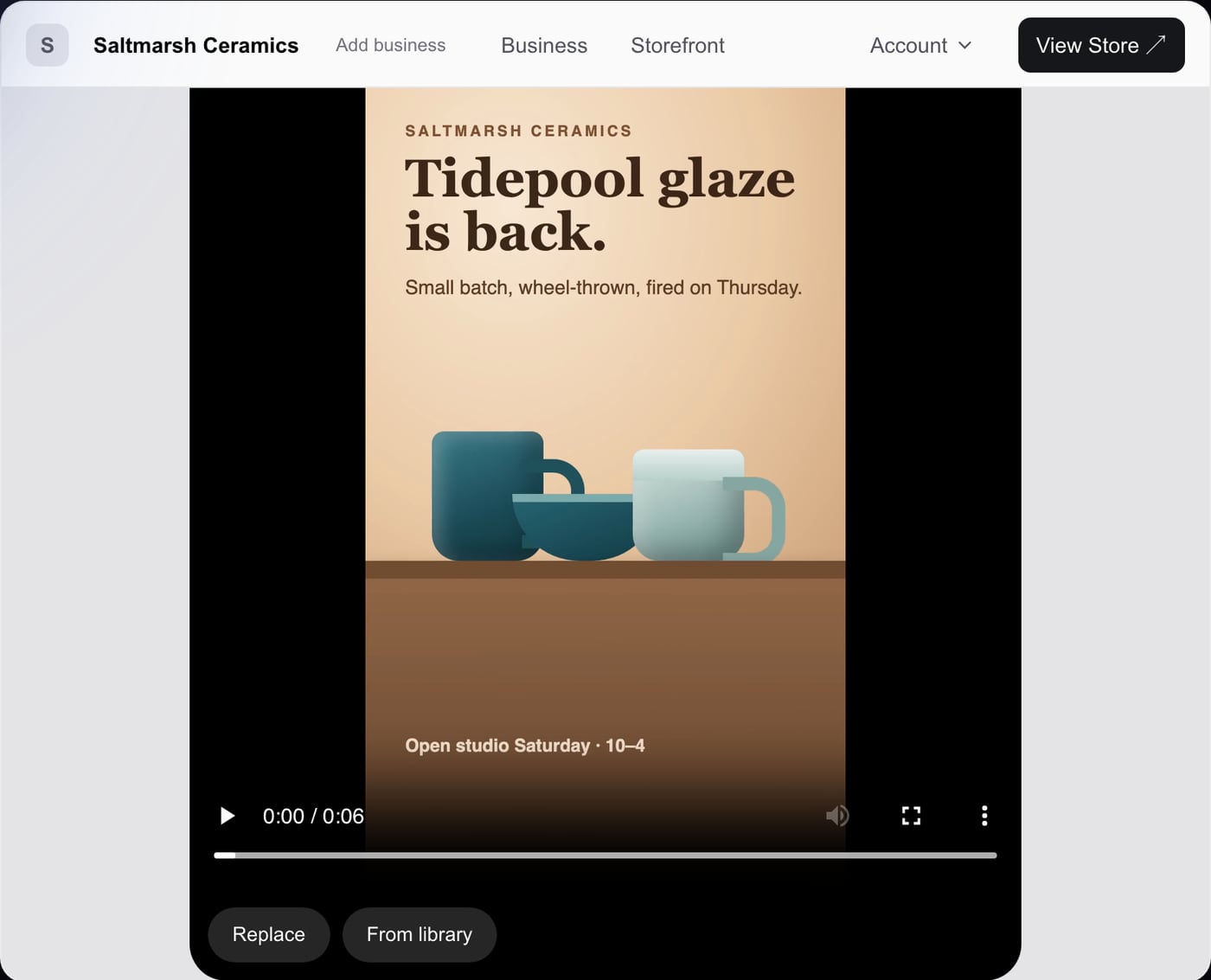
Start a Photo post, a Video or Reel, or a Text post. Choose a file from your computer or phone, or reuse one from your library. Videos can be MP4 or the MOV files an iPhone records.
You can replace the video or photo at any time, and the draft keeps your words.
Write and edit captions
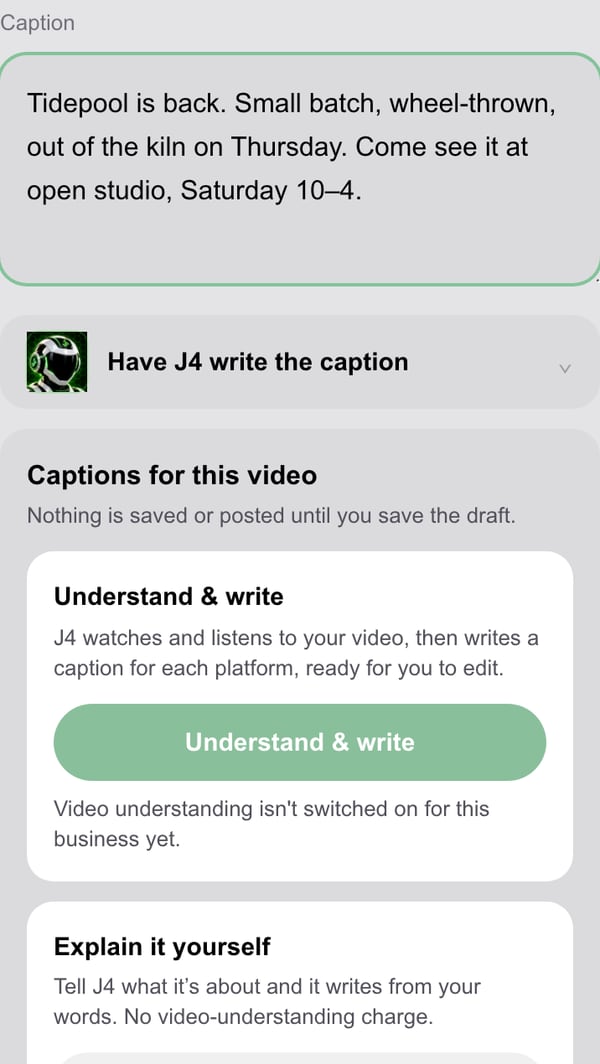
Type the caption yourself, or press Have J4 write the caption and edit what J4 suggests. J4 writes in your voice, as you, and only from what you tell it or what is in the post.
For videos, J4 can also watch and listen to the video and write a caption for each platform, ready for you to edit. This is in early access for selected businesses.
Nothing J4 writes is posted. It goes into the caption box, where you change it, keep it or remove it.
Drafts save without connecting an account
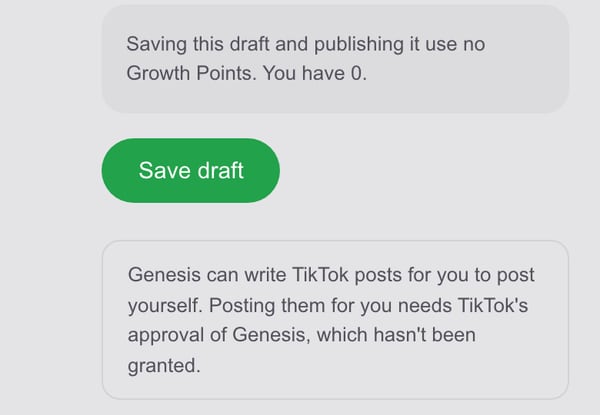
Once a photo or video is added, the draft saves itself and the screen says so: “Saved as a draft. Nothing has been posted.” Close the page, come back later, sign in on another device: the draft is still there.
You don’t need a Facebook, Instagram, TikTok or X account connected to make and keep drafts. A new post starts with no destination chosen.
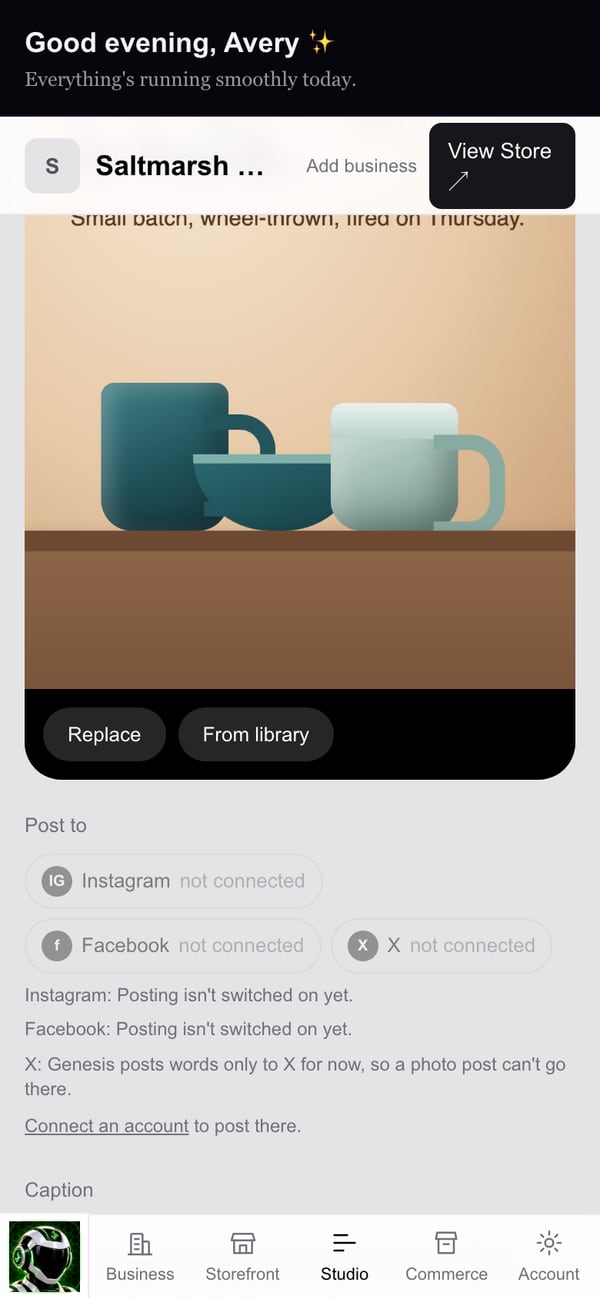
Connect accounts and choose destinations
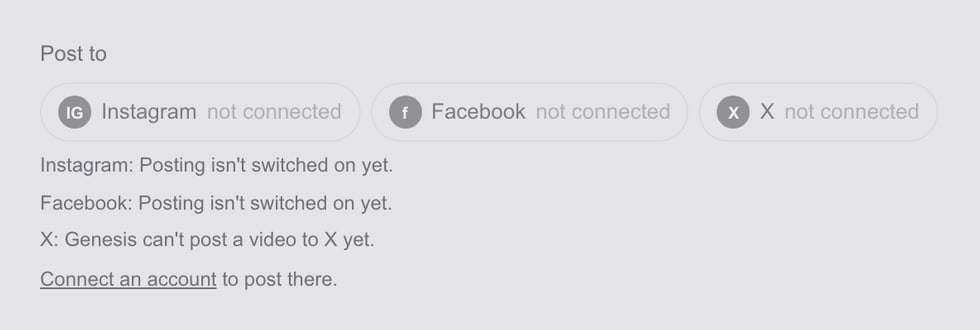
Under Post to, each platform shows whether its account is connected. Choose one or several. A destination is only needed when you publish, never to save.
Connecting happens on the platform’s own sign-in screen, where you see exactly what Genesis is asking for. Publishing needs a connected account, publishing switched on for your business, and your approval of that post.
Planning a TikTok
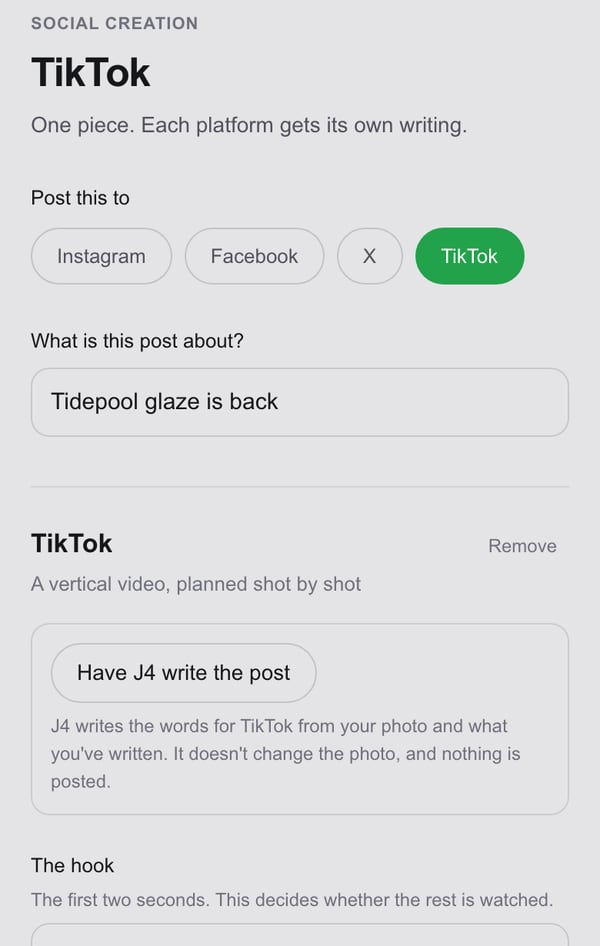
The TikTok editor in Social Studio is built for vertical video: the hook (the first two seconds), a shot-by-shot plan, the caption and the video. You can ask J4 to write the words, edit them, and save the plan as a draft.
Genesis does not post to TikTok. The editor says so plainly, and you post the video yourself in the TikTok app.