Social accounts
Your accounts, connected by you, on each platform’s own terms.
Genesis J4 connects a business’s own social accounts so it can show how they are doing and, where the platform allows it and you approve, publish what you made in Social Studio.
How connecting works
- In Genesis, open Connections and choose a platform.
- You are sent to that platform’s own sign-in and permission screen. Genesis never sees your password.
- The platform shows what Genesis is asking for. You approve or decline there.
- You can disconnect at any time from Connections.
What works today
Each platform reviews and approves apps like Genesis separately, so not everything is available everywhere yet. This table says where each one stands.
| Platform | Connect your account | Write and save drafts | Publish from Genesis |
|---|---|---|---|
| Facebook (Pages) | Available Facebook’s own sign-in | Available | Early access Opened business by business; every post needs your approval |
| Instagram (professional accounts) | Available through the linked Facebook Page | Available | Early access Opened business by business; every post needs your approval |
| TikTok | Awaiting TikTok’s approval TikTok’s own sign-in (Login Kit) | Available hook, shot list, caption and video | Not offered You post to TikTok yourself |
| X | Early access X’s own sign-in | Available text posts | Not switched on Optional, billed separately because X charges for its API |
Making and saving drafts never needs a connected account. Every published post needs your approval of that post.
TikTok
Working today
- Planning TikTok videos in Social Studio: the hook, a shot-by-shot plan, the caption and the video, saved as a draft.
- Asking J4 to write or rewrite those words for you to edit.
Awaiting TikTok’s approval
Connecting a TikTok account to Genesis with TikTok’s Login Kit, so the owner can see their own TikTok figures beside the rest of the business. It is built, and it is not available to businesses until TikTok approves it. The connection asks for three read-only permissions:
| Permission | What Genesis reads | What it is used for |
|---|---|---|
user.info.basic | Display name and account ID | Shows which TikTok account is connected, and keeps it with the right business |
user.info.stats | Follower, following and video counts | The account’s figures, shown beside the business’s other figures |
video.list | Up to the 10 most recent public videos: title, date, and view, like, comment and share counts | Which recent videos did best, and an engagement rate worked out from them |
When you ask J4 how your TikTok account is doing, J4 answers from these same figures.
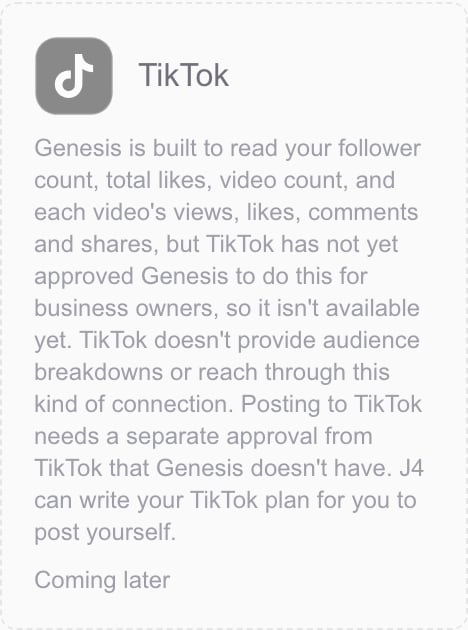
Not offered
Genesis does not post, upload, comment, like, follow or send messages on TikTok, and does not ask for any TikTok posting permission. You post your videos yourself in the TikTok app.
Disconnecting
Disconnecting TikTok in Genesis asks TikTok to revoke Genesis’s access. The figures Genesis has kept can be deleted from Connections, under “Social history Genesis has kept”.
Facebook and Instagram
A Facebook Page and the Instagram professional account linked to it are connected through Facebook’s own sign-in. Genesis shows the accounts’ figures, and publishing is in early access: it is switched on for a business by Genesis, and each post is published only after the owner approves it.
X
J4 writes X-ready text posts for every business to copy and post. Connecting an X account is in early access. Publishing to X from Genesis is optional and not switched on: X charges for use of its API, so it would be billed separately and is never part of the standard plan.